
A small twist that amplified the impact – making document upload more than just upload
In the beginning of the project, we were given a very straight forward requirement, to develop a page for uploading forms and supporting documents. The following case study will tell you how we twisted the idea and able to achieve way more than just document uploading.
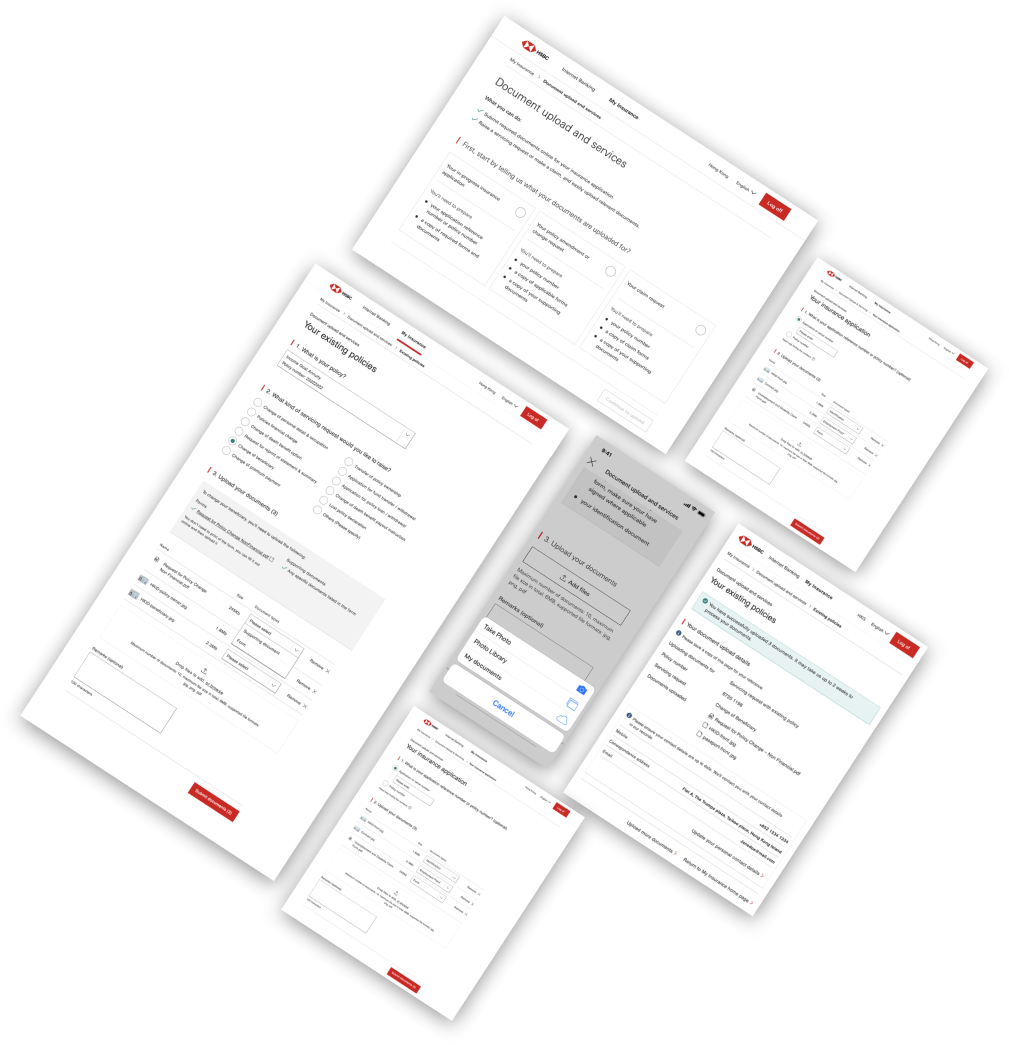
📁 Project
Insurance document upload (2020)
💪 My role
Cooperate with UI designer + Coordinating with product owner, product team, stakeholders and development team
👥 Target audiences
All existing insurance customers in HSBC
📍Market
Hong Kong
—
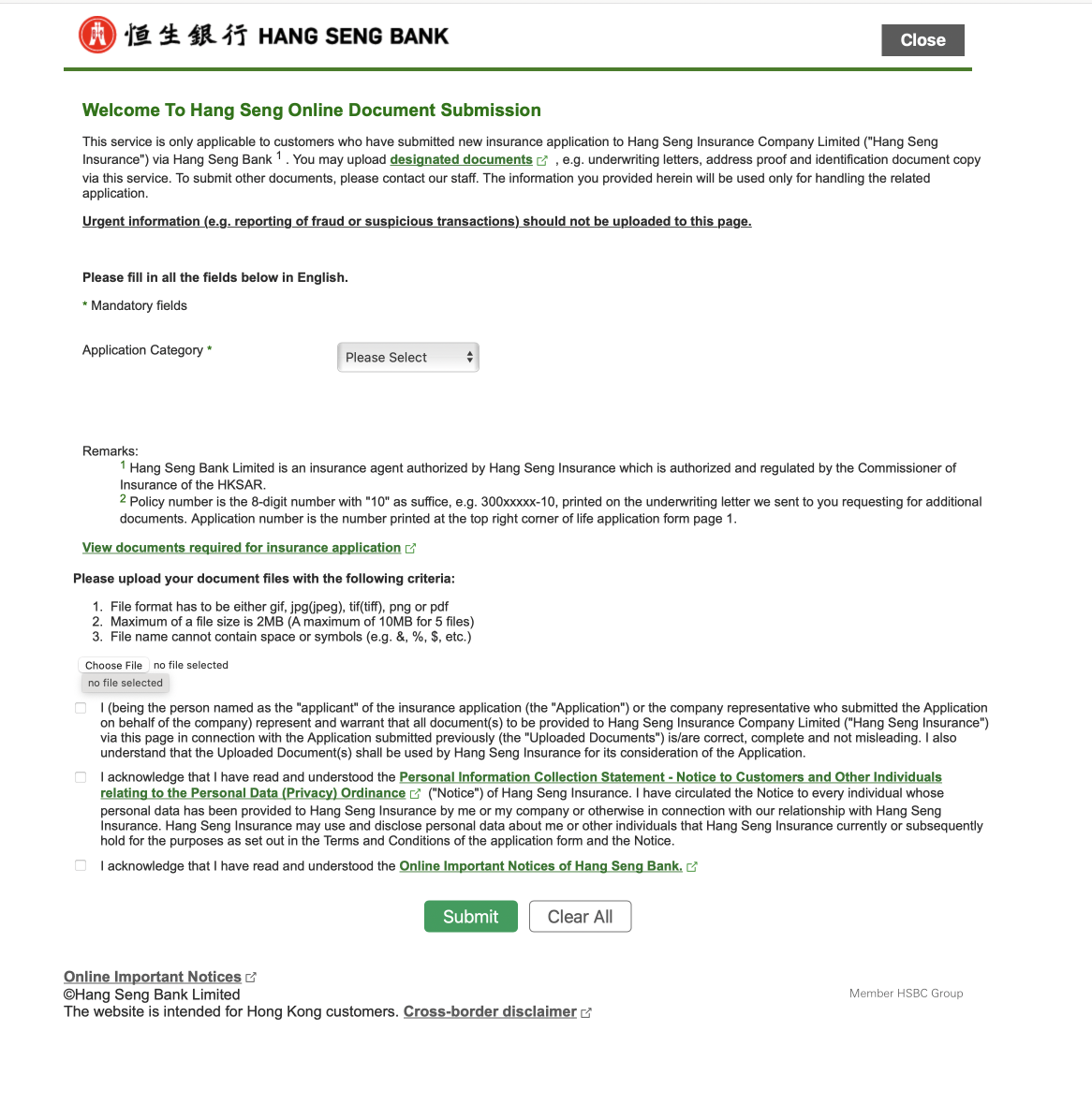
document upload journey from Hang Seng Bank (under HSBC Group)
Original requirement from stakeholder
Let’s follow the functionality from Hang Seng bank upload journey and improve on how it look.
Function required
Select which insurance policy you are uploading for
Upload documents (forms and supporting documents)
Submit
—
We took a step back to re-evaluate
Discussion #1
In what scenario would customers need to upload?
💰 Make a claim
Similar to previous example, if users want to make a claim, they can upload claim forms together with supporting documents (e.g. receipt, claim proof.)
✍️ Make change of their policies
If customers want to make any changes to their existing policies, e.g. change of beneficiaries (not all of journey online are online yet). Therefore, customers would have to submit a form together with supporting documents (e.g. ID copy)
—
Discussion #2
What were the procedure if customers have make change or claim?
🧑💼 Operation staff’s perspective
Email received from a general email
Take manager in the team have to look into that email and identify the request type
Take manager to create a task in their system and assign to the dedicated team member to process the request
The dedicated team member will look into detail and process the request
🙍 Customer’s perspective
If the journey isn’t available online, usually it’ll start with a phone call to customer centre or live chat or an WhatsApp message(to customers’ person relationship manager).
Our staff would send them the forms / a link to download the form, and guide them to fill those in
Customers have to send those form to a particular email that our staff give them
—
Discussion #3
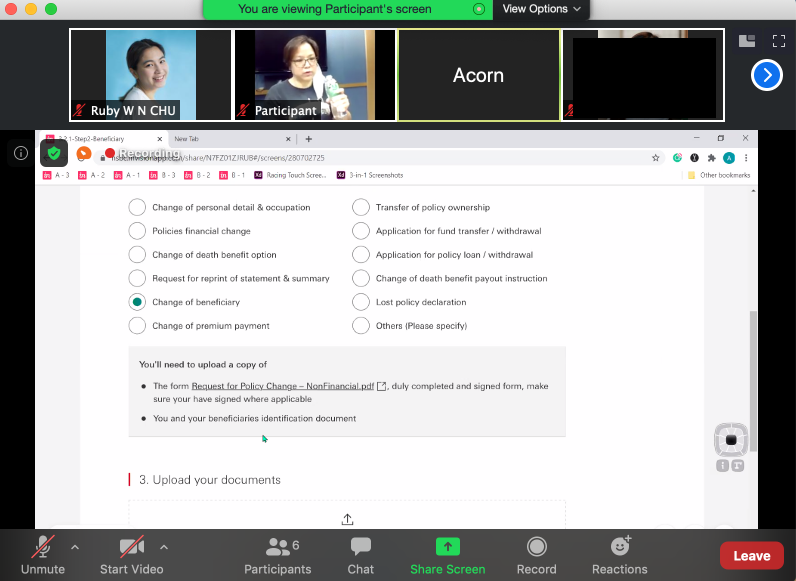
User Testing conducted in Sep 2020
What we found from talking with users?
🖨️ No printing or scanning, please!
While users were welcome to use of upload journey, they are very reluctant if they have to print the form, fill it in and then scan it. It was considered a painful experience.
📜 Better than email, because it is formally recorded.
Customers didn’t feel secure using the email as they were concerned if the documents are successfully sent or being processed, they felt more comfortable in using a more formal upload journey.
—
Design solution
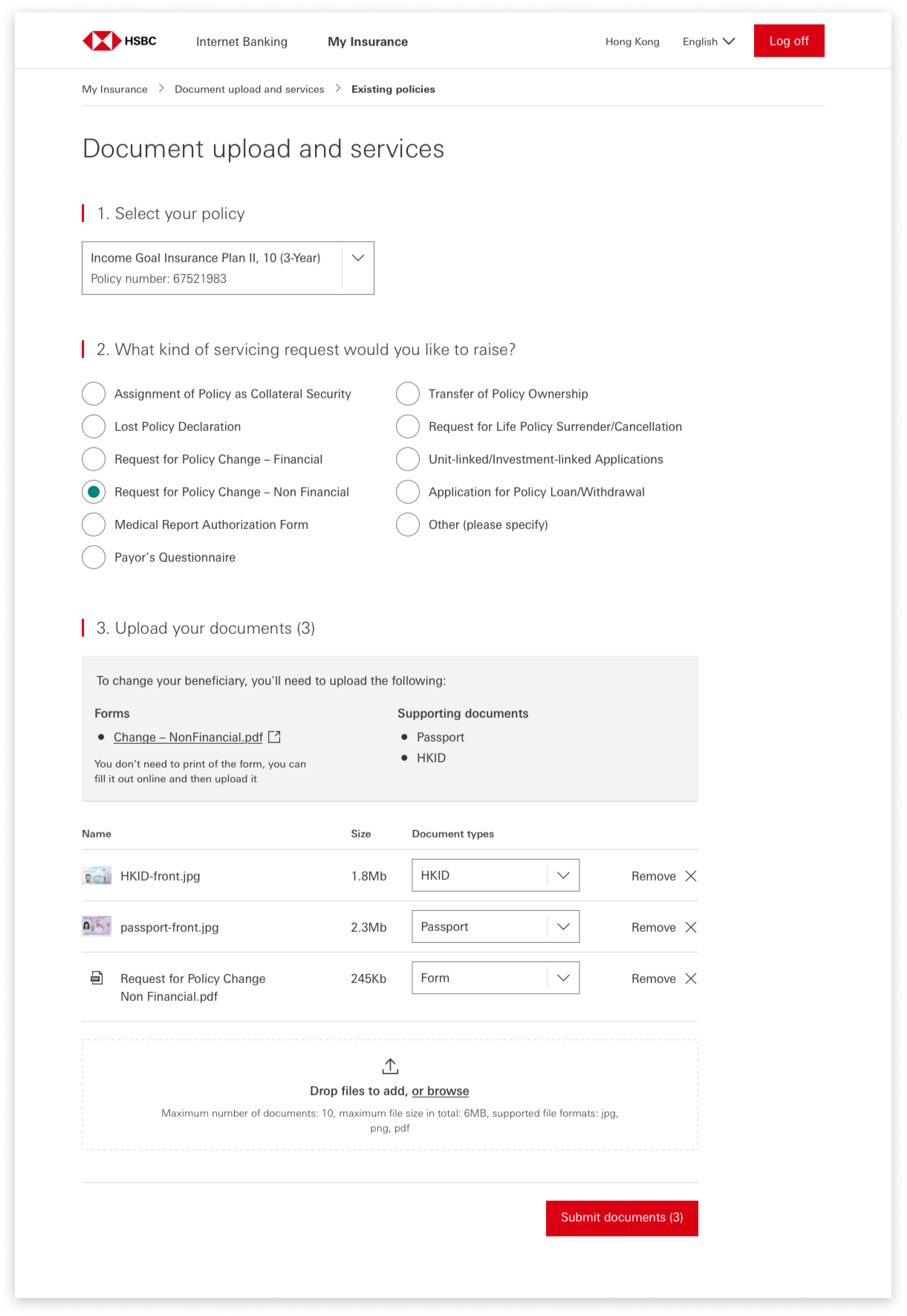
“task based” experience
💡 “Task based” experience
A task based journey while users can select what type of request users are conducting.
Based on what users selected, we show what type of forms and supporting is needed
No printing or signature is needed if it is logged in journey. Customer can simply fill the form in digitally
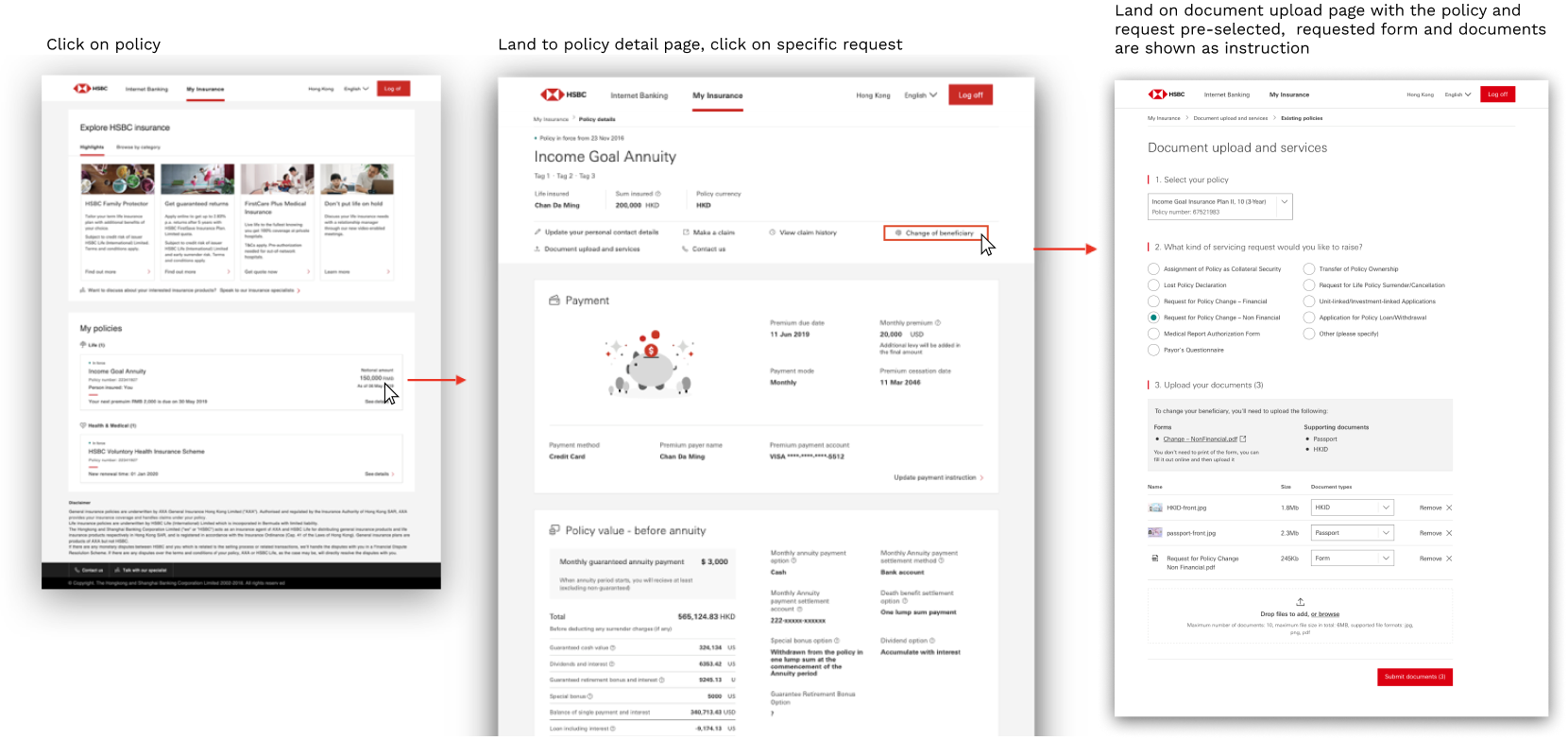
💡 Extra entry point
When customers are reading their existing policy online, we have introduced some quick task link, e.g “change of beneficiary”.
One click on the action will guide customers to the document upload page with the policy & task being pre-select.
The benefit include
💡 Bring over 20 servicing journey in one single build (sadly not all the journey is available online yet)
💡 As it is task based, we do not need a task manager to read through the whole request and find the dedicated staff. Our journey directly linked to their task system, we’ll immediately send the customer request to the right staff on click of “Submit document”
Extra entry point
